
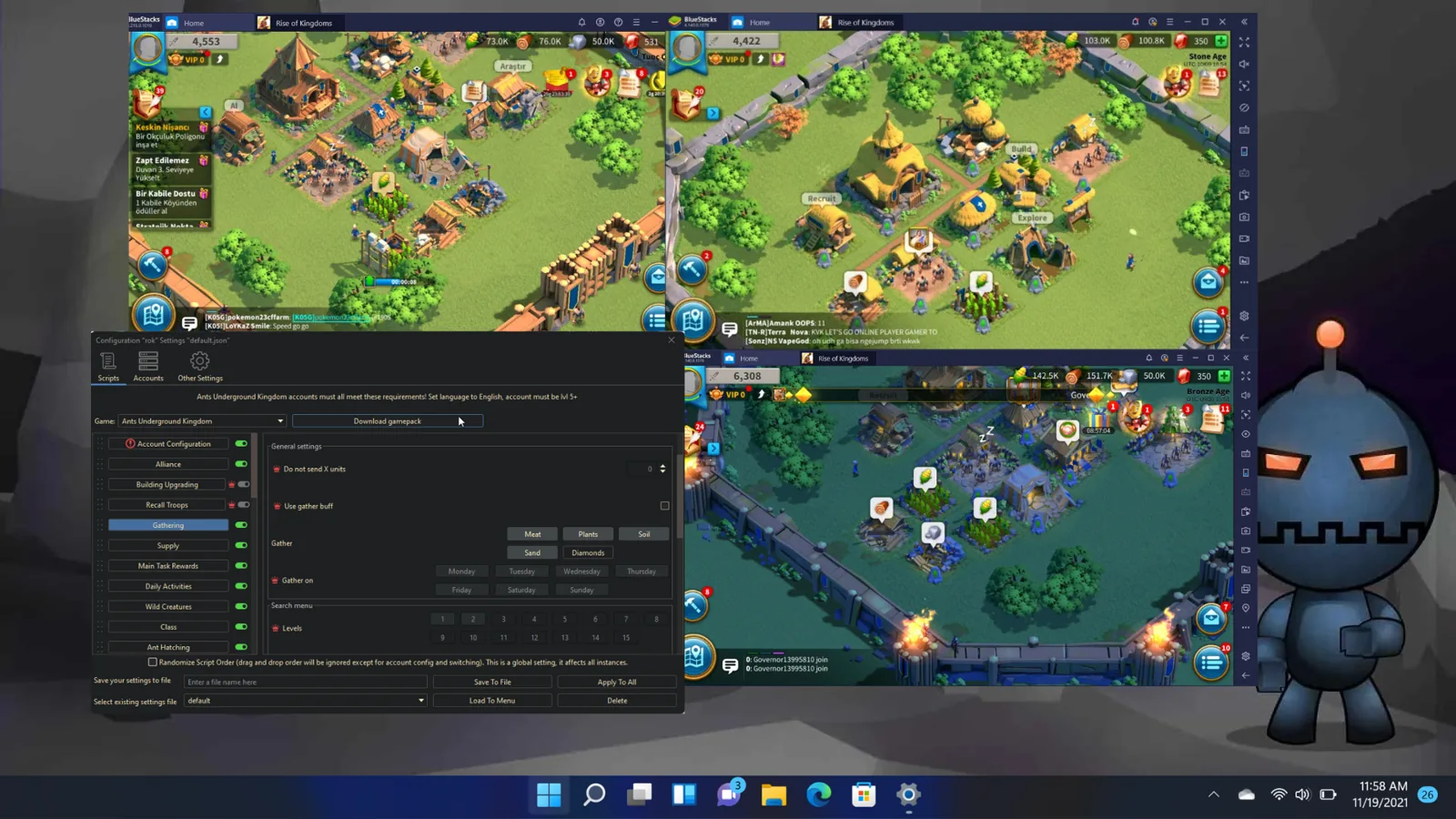
How to Run Multiple Rise of Kingdoms Accounts on One PC
A good Rise of Kingdoms farm setup keeps marches moving without making your main account part of the bot setup. Start with one farm account and one emulator on a Windows PC. Make that setup work from login through gathering before you add more accounts. This guide covers the PC load, emulator choices, game setup, daily loop and the choice between building the stack yourself or buying a ready tool.
The Rise of Kingdoms bot supports multiple farm accounts with individual settings. The software can run unlimited accounts, but the number of emulator instances your PC can keep open at once still depends on its RAM and storage.
Start with one farm account
One emulator instance is the right place to start. It gives you one copy of the game, one farm account and one set of settings to check. If a task fails, you only have one login, one building layout and one script order to inspect. Adding more instances before the first one works only repeats the same setup problem.
Keep the main account out of this plan. Staff guidance is direct: never bot a main account. Use farm accounts only. A small first run also shows how much PC capacity one emulator uses on your machine before you decide how many can stay open.
Compare four ways to run the accounts
Multiple accounts do not have to mean multiple emulators running together. You can open farm instances one at a time, keep several open, or let one bot move through a queue. The last option matters on a PC that cannot hold many open emulators.
|
Method |
What happens |
PC resource cost |
|---|---|---|
|
Manual, one at a time |
Open one farm emulator, finish its work, then open the next. |
One emulator is open. |
|
Manual, several at once |
Keep several farm emulators open and play each by hand. |
Load rises with every open emulator. |
|
One bot, sequential |
The bot finishes one instance, closes it, then opens the next. |
One emulator is active at a time. |
|
Bot accounts at the same time |
Run farm accounts together with individual settings. |
RAM and storage set the practical limit. |
The sequential bot method is easy to misread. Several emulator instances can sit inside one bot instance, but they are not all active together. The bot switches between them, completes the tasks in one, closes it and opens the next. Choose the parallel method only when the PC can carry the extra open emulators.
Prepare Windows and the emulator
Use Windows 10 or 11. Set the Windows display language to English. The Windows user name and bot install folder path must contain English characters only. If the current user name does not meet that rule, create a new Windows user and install there.
An emulator is required. Download LDPlayer 9, the recommended choice, or use Nox or MEmu. BlueStacks is not supported. Virtual machines usually cannot run emulator software, so plan to install on the Windows PC itself.
Install both the JRE and JDK 25, then get the BoostBotLauncher jar from the download page. Extract the ZIP, then double-click Start AutoFarmBots.bat. Do not double-click the .jar file and do not extract it.
Prepare every Rise of Kingdoms farm
Set the game language to English on every farm. Finish the in-game tutorial before you run scripts. That usually means reaching level 4 to 6. Keep an unfinished account out of the script queue until its tutorial is done.
Give each farm a unique name. Vary the base layouts, and do not place all farm bases in one cluster. Set these differences while you create the accounts so the group does not look like one copied setup.
Map the building layout before scripts run
Rise of Kingdoms needs a Building Layout setup for each farm. Return to the base, then press Refresh screenshot with live emulator image. Select a Building Slot and click the matching building on the screenshot. Repeat those steps for every slot.
Do this against the live image from the account you are setting up. A different farm account needs the same Building Layout setup. Finish the map before you ask scripts to find buildings, train troops or upgrade the city.
Build a resource loop with little idle time
A farm city produces food, wood, stone and gold while marches gather from map nodes. Each march carries only what its troop load allows. When a full march returns and waits in the city, gathering time is lost. Send returned marches back to nodes so the city production and map gathering continue together.
The bot can farm those four resources, train troops, upgrade the city, gather barbarians and forts, farm runes, level commanders, and handle events and KvK. Pick the jobs each farm needs. More checked tasks are not always better if they leave the resource marches waiting.
Scale around the PC and vary each farm
Add emulator instances in small steps. RAM and storage decide how many the PC can run at once. On a low-spec PC, the fix emulator option sets an instance to 2 cores and 2 GB. If the PC still cannot keep several instances open, use the sequential setup and let the bot close each one before it opens the next.
Use individual script settings instead of cloning one schedule. Vary the settings per account, add cooldowns and break schedules, and shuffle the script order. Human-like delays and anti-detection settings are limits on behavior, not a promise that bot use is guaranteed safe.
Spread resource transfers instead of sending heavy transfers from every farm into one account. Keep the farm bases apart, and do not discuss botting in game. These habits belong in the setup from the first farm, not after the account group grows.
Decide whether to build or buy
A do-it-yourself setup gives you the full setup job. You install Windows tools and an emulator, create every farm, finish every tutorial, map every Building Layout, choose every task and tune the schedule to the PC. That path fits a player who wants to control each step and has time to test one account before scaling.
Buying cuts out part of that work. The Windows Bot is from $25. Farm Accounts and the Farm for Me Service are from $12. The Bot Server is from $99. Use the AFB shop to compare those choices without adding products that your setup does not need.
For a local farm, start with the Windows Bot, one supported emulator and one finished farm account. Map its buildings, run a short task set and watch the marches return. Add the second instance only after the first account completes that loop cleanly.